The Apple Watch app
Your iPhone works out the score and sends it to your watch whenever it changes. The watch shows it; it never calculates on its own.
The watch app
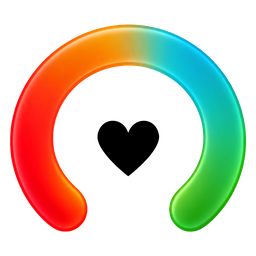
- Today's score on the same open arc, with its band word and symbol.
- How far it has moved since the morning, for example down 6 from 70 this morning.
- The refresh button, top left, asks your iPhone for a fresh score.
- The details button, top right, shows which signals moved your score.
Complications
| Complication | Shows |
|---|---|
| Push Recovery | Your score, 0 to 100, and its band |
| Sleep | Last night against your target |
| Strain | Today's load against your usual day |
| Stress | Your derived day curve |
| Steps | Steps so far against your usual day |
| Biological Age | The current estimate |
Each comes in circular, rectangular, corner and inline styles. Add them from the watch face editor or the Watch app on your iPhone.
What the watch may say instead
| Message | Meaning |
|---|---|
| Building Your Baseline | Fewer than seven nights so far. It shows the count. |
| No Overnight Data | No sleep was recorded last night. |
| Waiting for Your iPhone | Nothing has arrived yet. Open Push on your iPhone, or tap Check Again. |
| Set Up on iPhone | Health access is not turned on in Push on your iPhone. |
| Push Isn't on Your iPhone | Install Push on the paired iPhone. |
Push is free on the App Store, for iPhone and Apple Watch.

Push is a general wellness feature, not a substitute for professional medical judgment, does not account for existing conditions or medications.